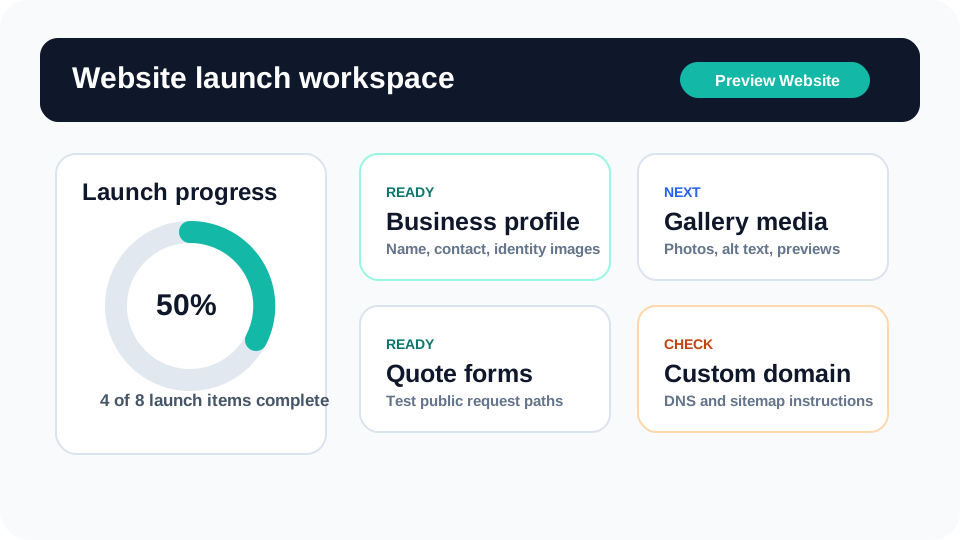
Launch workflow
Dashboard Launch Workspace Tutorial
Use the dashboard launch workspace as the owner’s command center: see what is ready, what still needs attention, and what should be checked before a party rental website goes live.
Read tutorialEventodesk tutorials
Step-by-step tutorials for the dashboard areas and tools rental owners need most: launch, profile, templates, media, services, catalog, quote forms, AI, and inventory protection.
Start here
Each guide explains what the section does, why it matters to customers, how to use it, and what mistakes to avoid before launch.
Launch workflow
Use the dashboard launch workspace as the owner’s command center: see what is ready, what still needs attention, and what should be checked before a party rental website goes live.
Read tutorial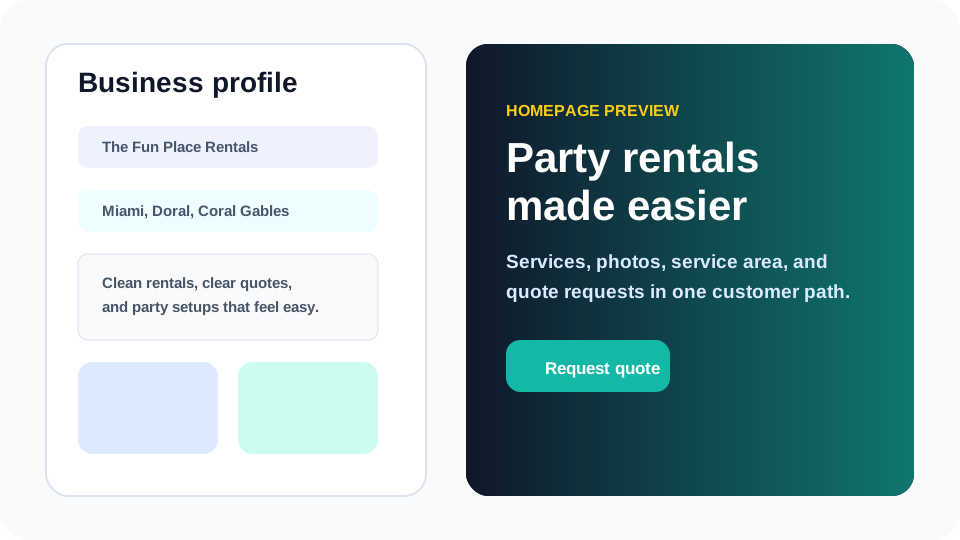
Website content
Set up the identity details customers need first: who the business is, where it serves, what it rents, how quotes work, and why visitors can trust the company.
Read tutorial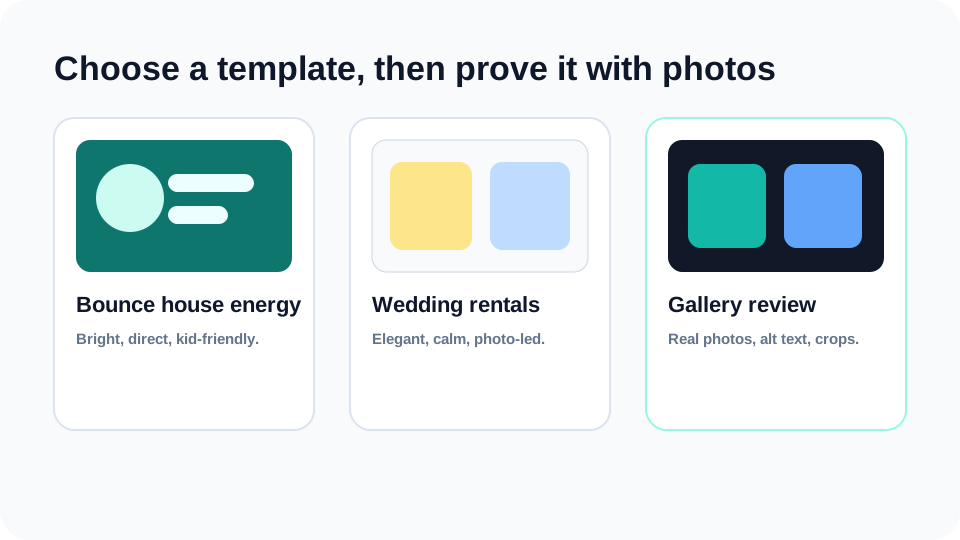
Design and photos
Choose a design direction, then use photos and gallery media to prove the business is real, organized, and ready for customer events.
Read tutorial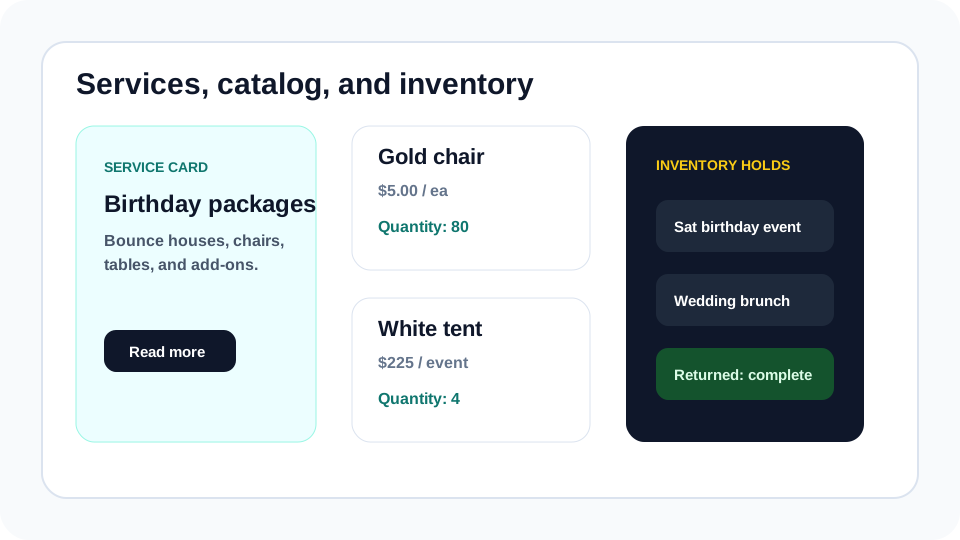
Catalog and inventory
Organize what customers can browse and what owners must protect: services, packages, categories, rental items, quantities, pricing units, and reservation context.
Read tutorial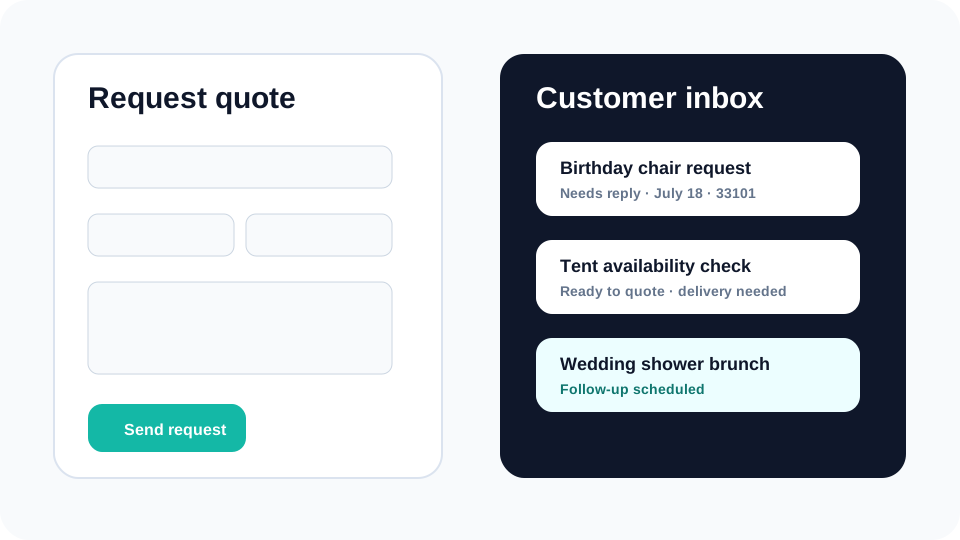
Inquiries and follow-up
Test the public request path, collect useful customer details, and use the dashboard inbox to turn inquiries into owner-reviewed follow-up.
Read tutorial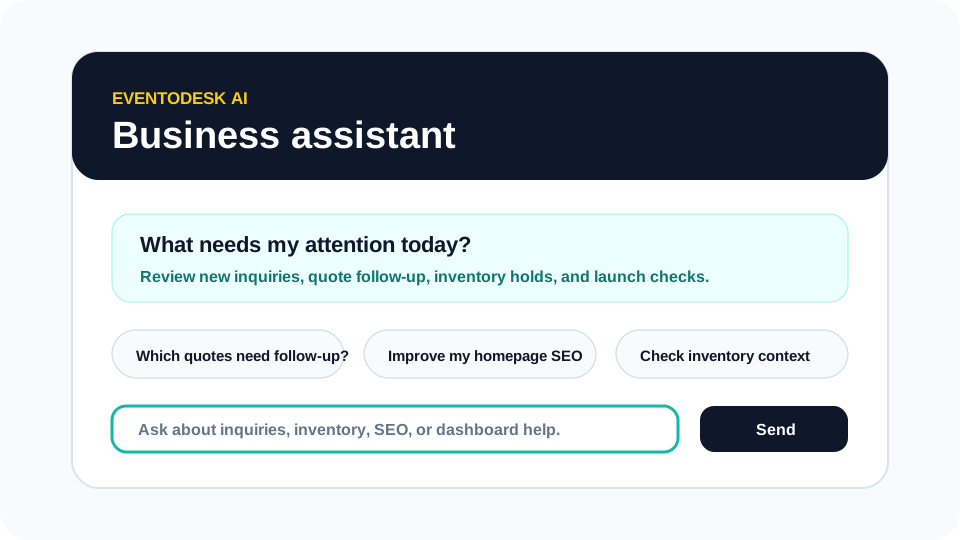
AI assistant
Use Eventodesk AI as a business assistant for priorities, quote follow-up, inventory context, content drafts, SEO ideas, and dashboard help while keeping owner decisions in control.
Read tutorial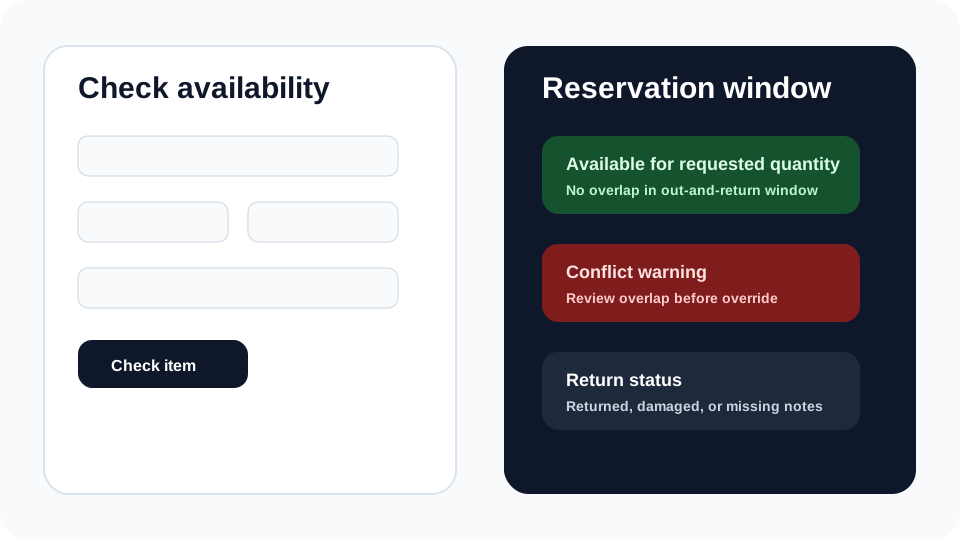
Inventory tool
Use the inventory schedule to check availability, create owner-reviewed holds, protect out-and-return windows, and keep return status visible before the next event.
Read tutorialThese pages explain the commercial value behind the workflows shown in the tutorials.