Design and photos
Templates, Gallery, and Media Tutorial
Choose a design direction, then use photos and gallery media to prove the business is real, organized, and ready for customer events.
What you will learn
By the end, you should know how to choose a template and use gallery media as a sales tool instead of decoration.
Templates help rental owners launch faster because they remove the blank-page problem. The owner should not have to decide every layout, spacing rule, navigation pattern, and visual hierarchy from scratch before getting a working site online.
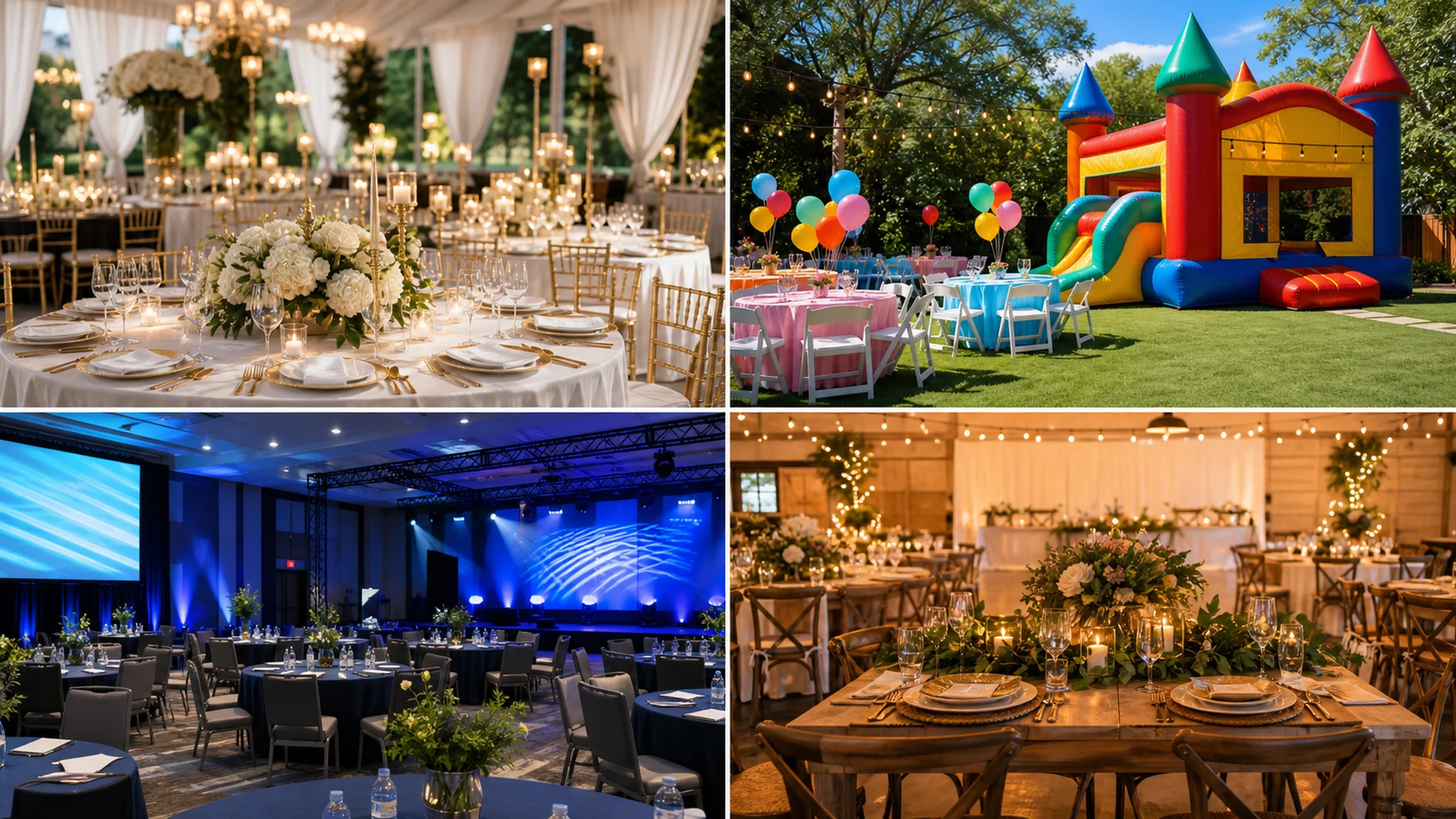
The gallery and media workflow is just as important as the template. Customers use photos to judge cleanliness, scale, style, setup quality, and trust. A template with weak images still feels unfinished; strong images can make even a simple site feel credible.
Step by step
Use this workflow in order
These steps are written for an owner or office team member trying to finish real work, with plain instructions and practical checkpoints.
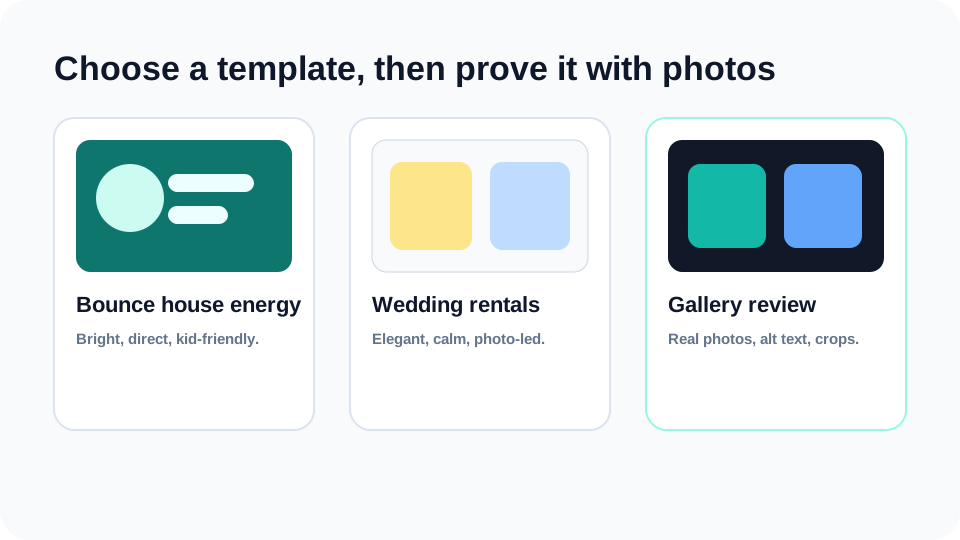
- Pick the template by customer fit Choose a template based on the type of event customer you want: kids parties, weddings, tents, corporate rentals, or family celebrations.
- Preview the full customer path Do not judge only the homepage. Open services, catalog, gallery, blog, contact, and quote request pages before committing.
- Upload photos with a clear subject Use horizontal images where the main rental item or finished setup is centered enough to crop well.
- Write human alt text Describe the image in plain language, such as white folding chairs at an outdoor birthday party setup. Do not stuff keywords.
- Retire weak placeholder images Replace generic or repeated images so the public site feels like a real business rather than a template demo.
Workflow map
What to look for inside Eventodesk
Template preview
Check homepage, service cards, gallery sections, and quote buttons together.
Gallery upload
Use finished setups, warehouse preparation, catalog items, and delivery context.
Alt text
Write descriptive image labels that help accessibility and search clarity.
Image cropping
Keep subjects centered so cards and hero sections do not cut off important details.
Media review
Remove repeated, blurry, or off-brand images before publishing.
Why it helps the business
Business value
- Better images make the business feel safer for weddings, schools, churches, and family events.
- Template previews help owners choose faster and avoid endless design tinkering.
- Descriptive media improves the customer’s ability to understand inventory and style.
Avoid these mistakes
Common problems
- Choosing a template because it looks pretty but not checking the quote path.
- Uploading vertical phone screenshots into horizontal card spaces without previewing crops.
- Repeating the same image across services, events, catalog, and blog cards.
Start here
Use design and photos to make the business feel real.
Choose the template direction, upload realistic images, and preview the full customer path before publishing.
Related Eventodesk pages
Use these pages to connect the tutorial workflow to product value and conversion.
Plan the next step
Use these pages when you are deciding whether Eventodesk fits your rental business.