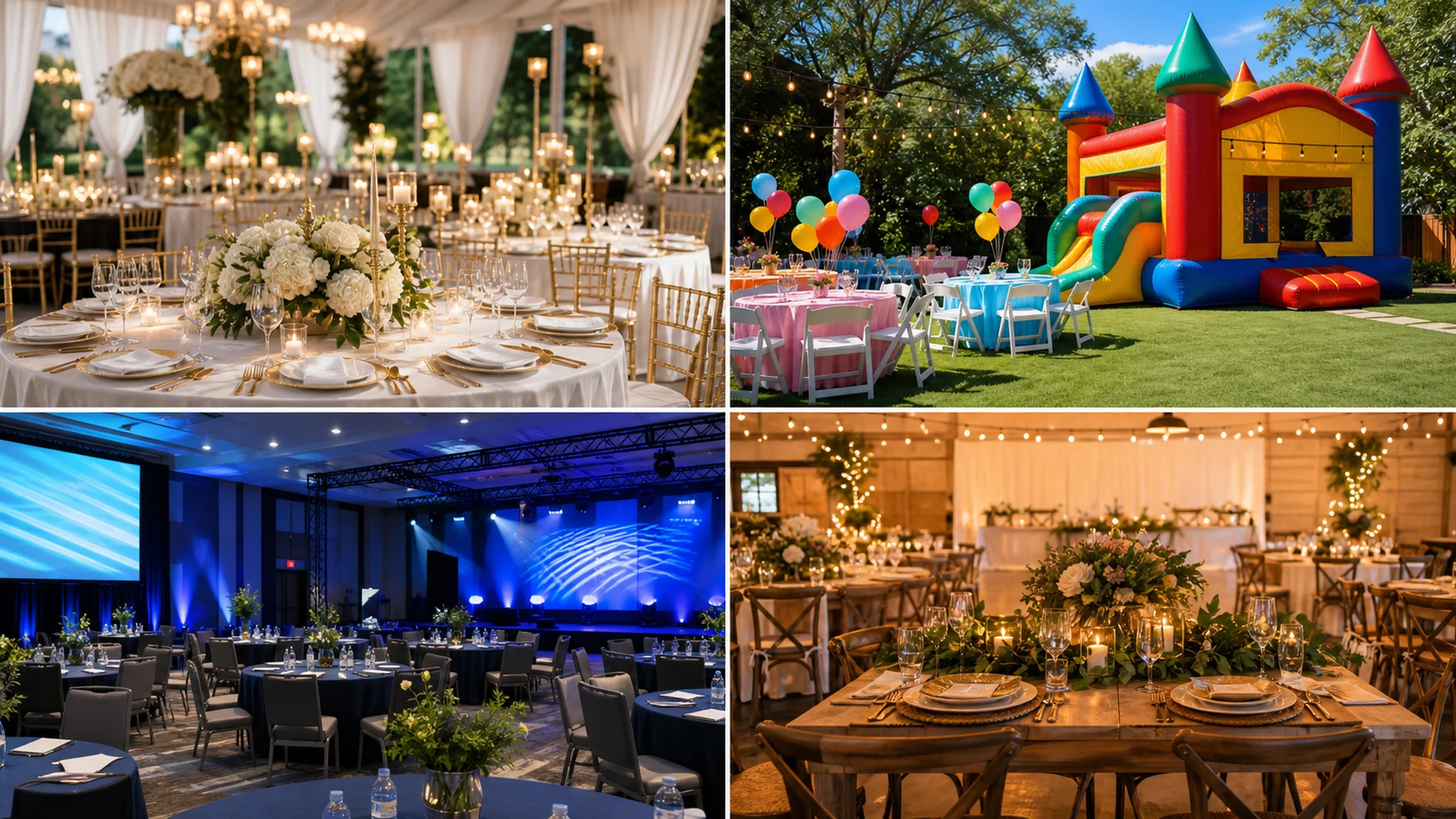
A template should fit the rental category
A wedding rental website, bounce house website, corporate event site, and family celebration site should not feel like the same page with different colors.
The layout should change around what the customer needs to compare: images, packages, event types, catalog items, tour requests, or service-area information.
- Different layout patterns
- Realistic demo content
- Relevant photos
- Clear navigation
- Template-specific logo style
Use the demo to test real customer behavior
A strong template preview should show how someone moves from homepage to services, gallery, catalog, blog, contact, and quote request.
It should also remain readable on mobile and avoid text that blends into the background.
- Homepage
- Services
- Gallery
- Catalog
- Blog
- Contact
- Quote request