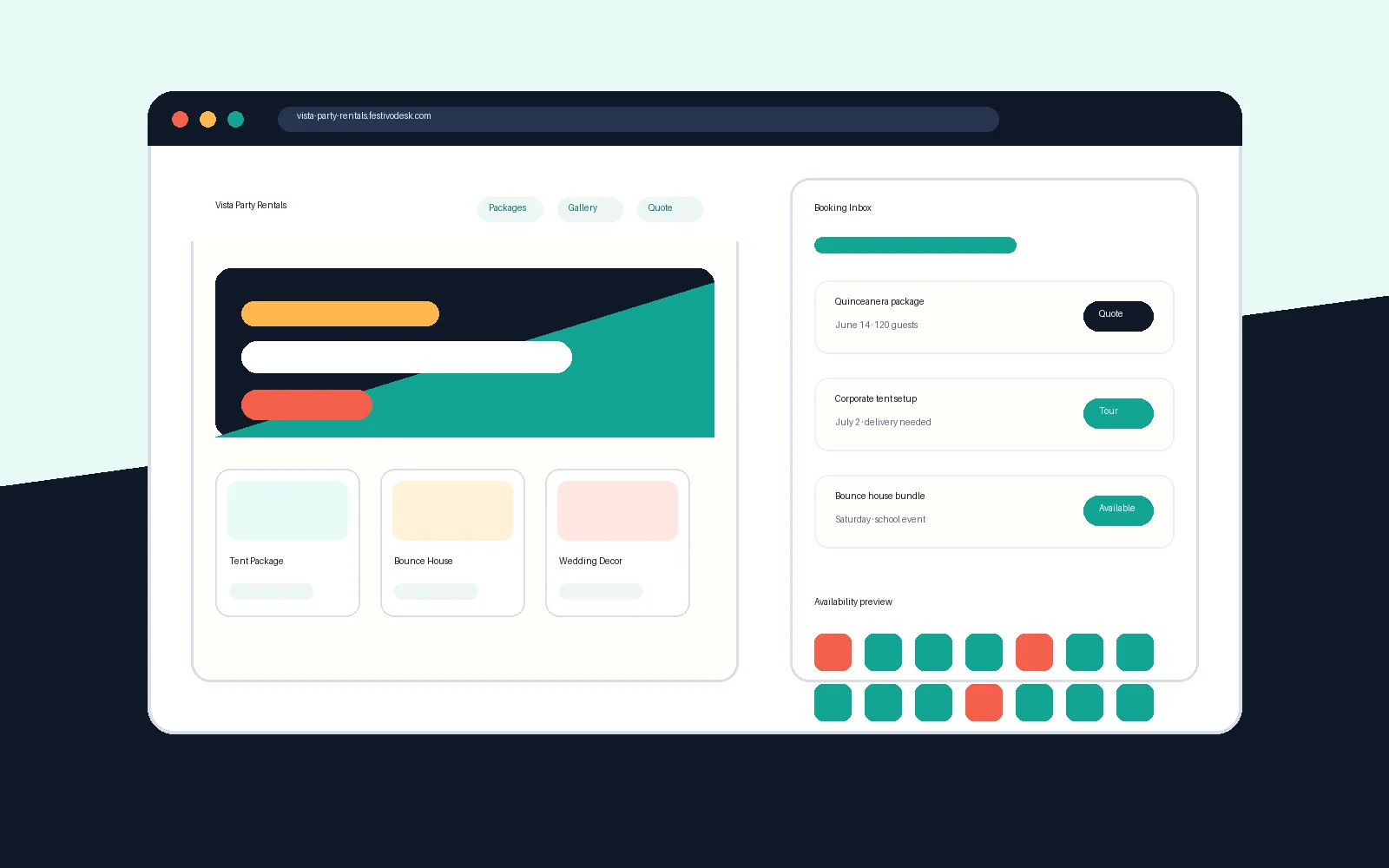
Fast replies start with a clean queue
Event rental buyers often compare several businesses at the same time, so a stale inquiry can quickly become a lost opportunity.
A clear priority queue helps owners answer overdue leads, new requests, due follow-ups, and ready-to-quote inquiries before less urgent work.
- Priority replies
- New inquiries
- Due follow-ups
- Ready quotes
- Missing details
Speed should not mean careless confirmation
Responding quickly does not mean confirming a booking before the business checks inventory, delivery windows, service area, capacity, and quote terms.
The safer workflow is to send clear next steps, ask for missing details, and mark each inquiry as contacted, quoted, booked, or closed.
- Owner review
- Inventory check
- Service-area fit
- Delivery capacity
- Quote terms
Make follow-up visible every day
A dashboard should make next follow-up dates, owner notes, quote readiness, and saved quote values easy to scan.
That keeps family-owned teams, small crews, and busy operators from relying on memory after a weekend of events.
- Next follow-up date
- Owner notes
- Saved quote value
- Quote readiness
- Booked status