Use photos that answer buying questions
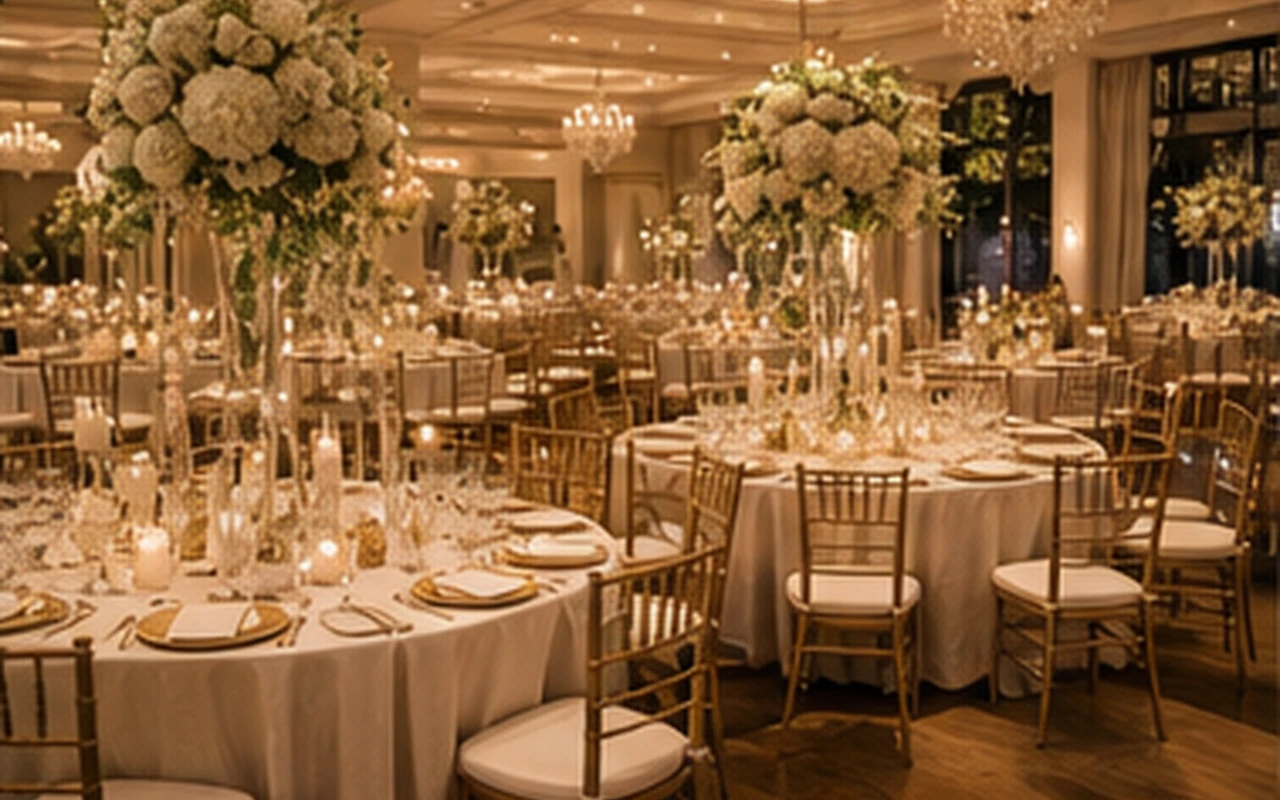
Event rental photos help customers understand scale, style, condition, setup context, and what is included.
A strong gallery mixes full event scenes with close catalog views so visitors can imagine the rental at their own wedding, school event, church event, corporate gathering, or family celebration.
- Wide event scenes
- Close item photos
- Package groupings
- Setup details
- Delivery or warehouse context
Give every public image a job
Images work best when they support a clear page purpose: show an inventory item, explain a package, build trust in a gallery, or preview a template style.
Avoid empty demo sections, repeated hero images, and decorative photos that do not match the rental category.
- Catalog thumbnail
- Featured gallery image
- Package example
- Event type proof
- Template preview
Write alt text like a helpful description
Alt text works best as a plain-language description for accessibility and search context.
For rental websites, useful alt text often includes the item type, event setting, color or style, and the service context when it is accurate.
- Gold chiavari chairs at a wedding reception
- White tent setup for a school event
- Bounce house birthday party rental
- Corporate AV rental setup